Building a walk cycle in Blender and Davinci Resolve Fusion
I’m on a mission to see whether it’s feasible to give up my Adobe Creative Cloud subscription (which costs me an arm and a leg) and replace the apps with cheaper alternatives. I’ve been looking at Davinci Resolve as a replacement for After Effects. It has a very steep learning curve (arghhh those nodes!) but I’m slowly beginning to enjoy using it.
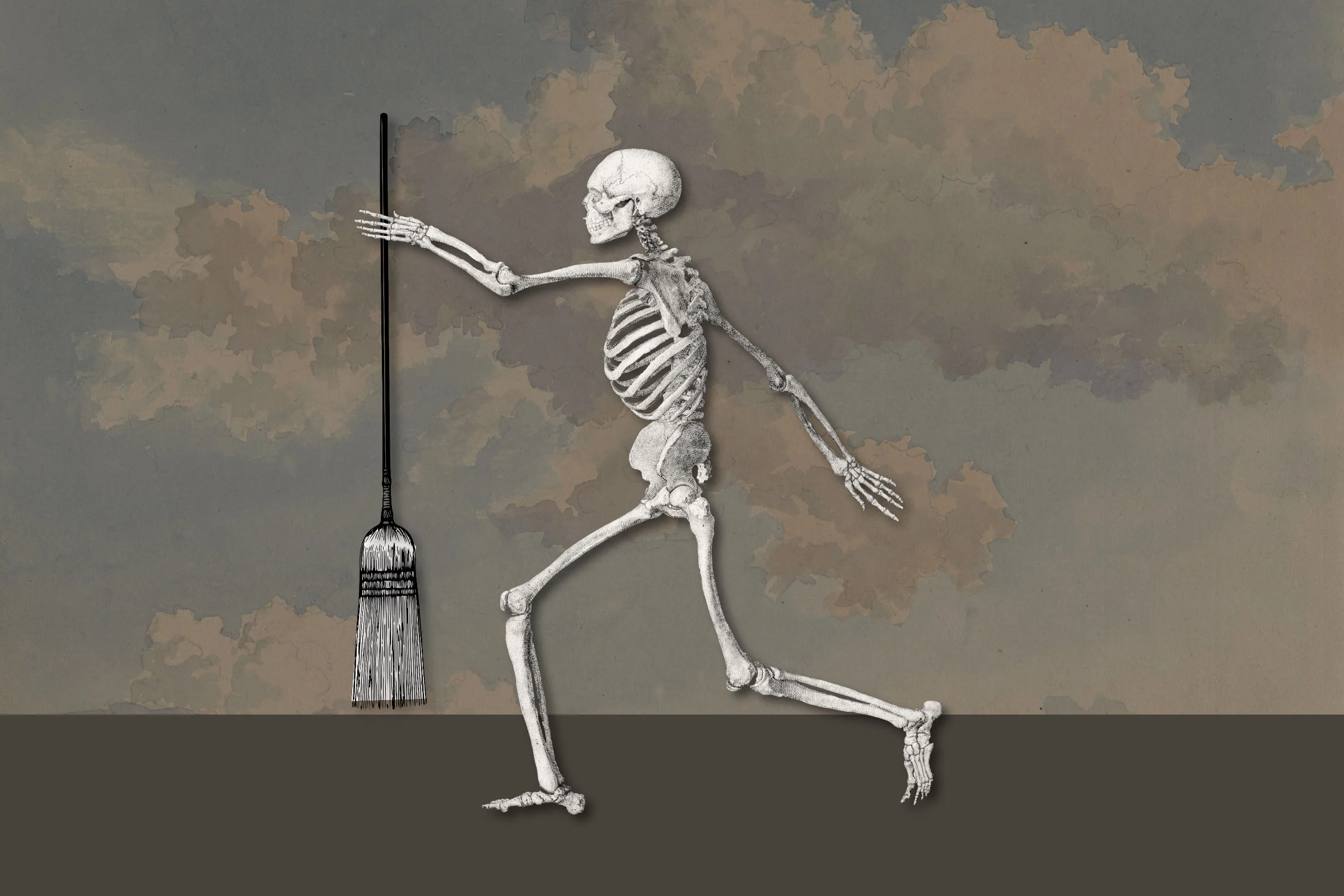
I found this rather nice skeleton by George Stubbs and cut out the body parts using Affinity (my current planned Photoshop alternative). I then imported the isolated layers into Blender and rigged them (adding bones to the bones, funnily enough). I’m pretty new to Blender so working out how to rig a character properly took quite a while, but eventually I got there. Don’t get me started on the walk cycle!
You may be wondering why the skeleton has a broom. I’m working on an idea for a short animated film (possibly to enter in to the local film festival if I’m brave enough) and I keep coming back to Swedish Death Cleaning as a subject, and I thought this skeleton might evolve into the poster boy for the film (hence the broom).
Once I was happy with the skeleton and his slightly quirky walk (I spent ages trying to stop him walking like he needed the toilet) I imported him into DaVinci Resolve Fusion and placed him in a three-dimensional scene (I borrowed the background panorama from another project) – et voila! I have a slightly odd skeleton, just in time for Halloween.
Have a project in mind?
A website, a photo shoot, or something in between. Tell me what you’re thinking and I’ll get back to you.